<-- Home | To my Github pages -->
HTML-TimeSender
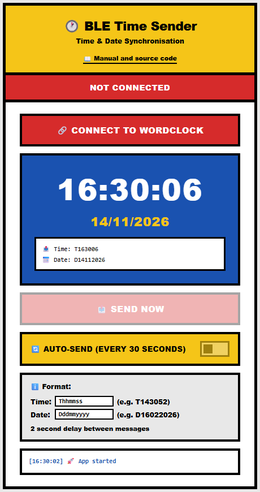
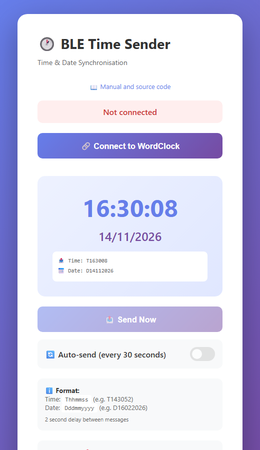
HTML page that connects to a BLE UART client and sends time and date to it. We use the web page interface "Web Bluetooth" to make the BLE-connection.
This web page is developed to send time and date from a cellular to my word- and other clocks when no WIFI is available to receive time by WIFI/NTP.
More about my word clocks and other projects: github.com/ednieuw.
Source code of this page: github.com/ednieuw/HTML-TimeSender
Choose your version
Use Chrome or Edge (Android, Windows, macOS). Click a picture to start.
iOS users can not use the web page method due to security reasons but can use the Bluefy method: choose iPhone / iPad (top right) and see iOS workaround below.
On macOS Tahoe "Web Bluetooth" can be used.
Manual
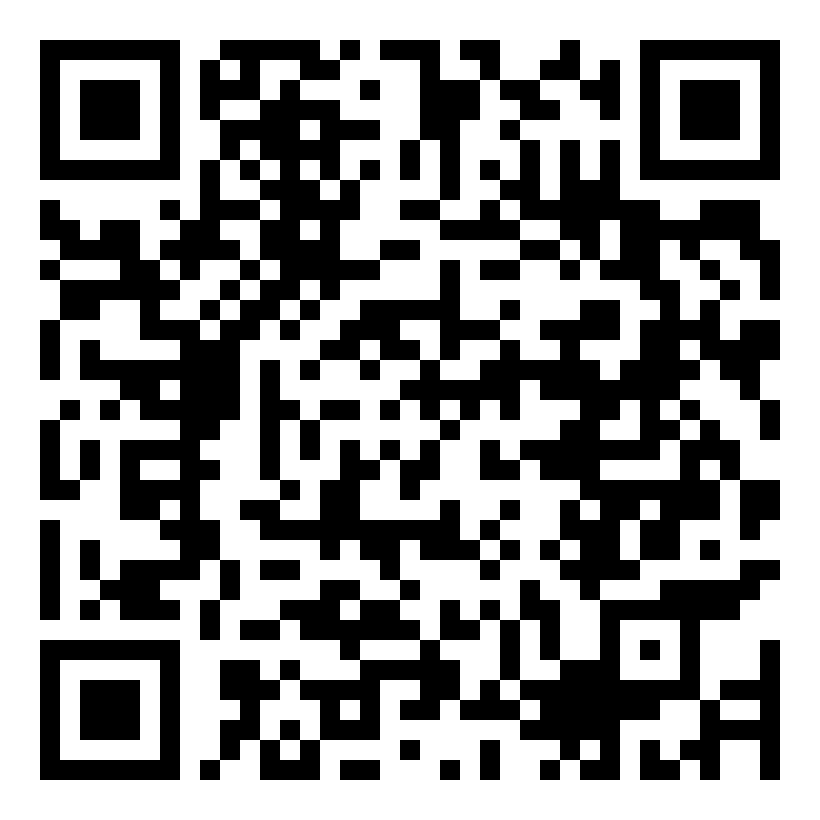
Scan the QR code in the manual or click a link:
For more info
iOS workaround
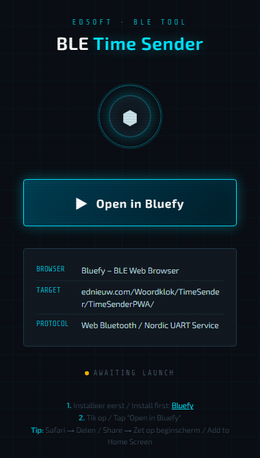
On iPhone/iPad: first install the free Bluefy browser from the App Store: Bluefy - Web BLE Browser.
Then open the iPhone launcher page in Safari and tap "Open in Bluefy".
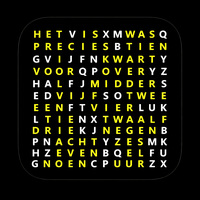 |
Alternatively use my own iPhone/iPad app Bluetooth UART time from the App Store. A similar app for sending time and date. |
Web Bluetooth support (march 2026)
Browsers with full support
Chrome / Chromium-based browsers are the only ones with solid, out-of-the-box Web Bluetooth support. A subset of the Web Bluetooth API is available in ChromeOS, Chrome for Android 6.0, Mac (Chrome 56), and Windows 10 (Chrome 70).
- Chrome on Android – supported since Chrome 56 (Android 6.0+)
- Chrome on macOS – supported since Chrome 56
- Chrome on Windows – supported since Chrome 70, requires Windows 10 version 1703 (Creators Update) or later
- Chrome on ChromeOS – fully supported
- Edge (Chromium-based) – supported since version 79
- Opera on Android – supported since version 46
- Samsung Internet – the GATT Communication API is shipped without any flag in Samsung Internet v6.4
Browsers without support
- Firefox – not implemented; Mozilla has concerns about the security model
- Safari / WebKit – not supported across all versions of Safari; this affects all browsers on iOS/iPadOS since Apple forces them to use WebKit
- Chrome on Linux – partially implemented but not supported; the #enable-experimental-web-platform-features flag must be enabled
Important requirements
- Web Bluetooth is only available in secure contexts (HTTPS).
- It is still considered experimental, so treat it accordingly in production projects.
- It only works with Bluetooth Low Energy (BLE/GATT) – not Classic Bluetooth. For Classic Bluetooth with RFCOMM, the Web Serial API is the alternative.
Bottom line for ESP32 BLE projects: Chrome on Android, macOS, and Windows are your reliable targets. iOS remains the main gap unless users install a dedicated app like Bluefy.